Voxon Vx2 Alternatives and Workflow Fit
An objective editorial look at how the Voxon Vx2 volumetric display fits professional 3D workflows, where it differs from autostereoscopic glasses-free monitors, and what buyers should evaluate before choosing it or an alternative.
Voxon Vx2 Alternatives and Workflow Fit
The Voxon Vx2 is one of the better-known commercial volumetric displays on the market, and it shows up frequently in buyer searches alongside glasses-free 3D monitors. This page is an objective third-party editorial comparison. It does not represent Voxon or any display manufacturer, and it is not intended to rank products. Instead, it walks through how the Vx2 fits into the broader glasses-free 3D display category, what kind of workflow it actually serves, and where buyers typically compare it against autostereoscopic monitors and other alternatives.
Because Voxon’s own product positioning is outside the scope of what is verifiable from public editorial sources at publication time, the sections below lean on workflow framing rather than claiming specific specifications, prices, certifications, or benchmarks. Where exact figures would normally appear, the recommendation is to confirm them with the manufacturer before committing to a purchase decision.
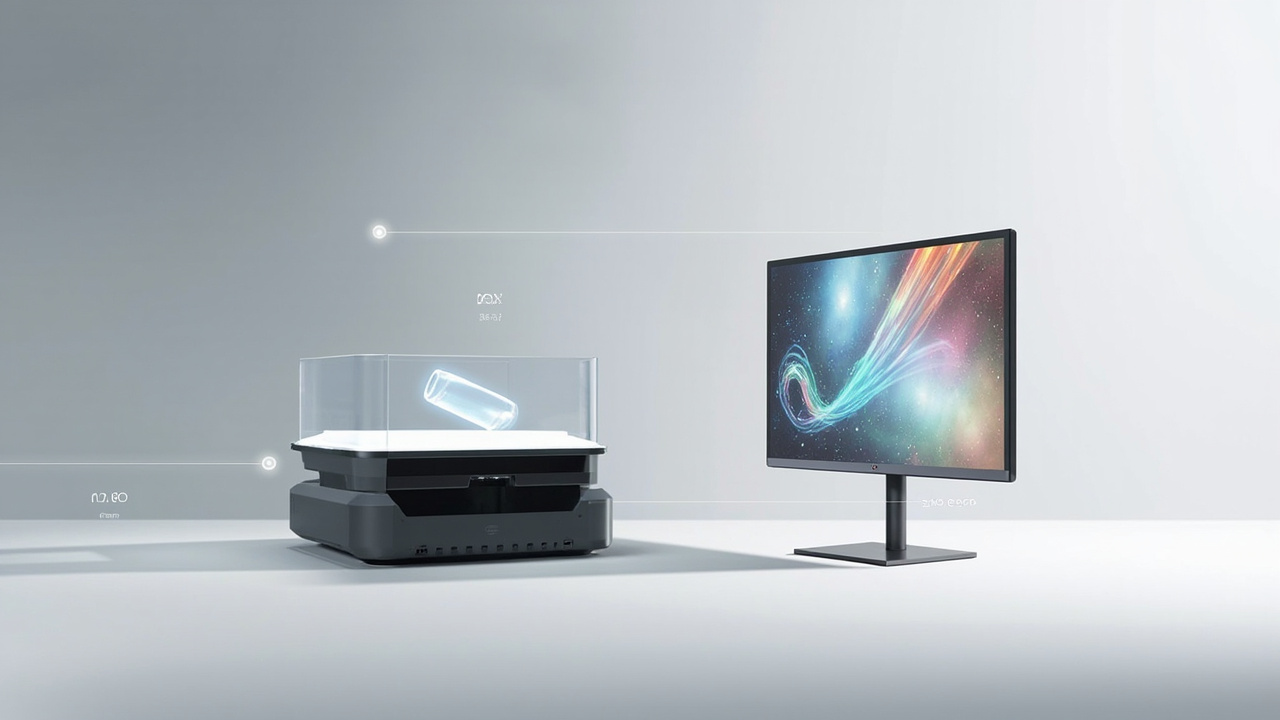
The Voxon Vx2 and a glasses-free 3D monitor sit in the same search results but solve overlapping problems with different hardware.
What the Voxon Vx2 Is and How It Differs From a Glasses-Free Monitor
Buyers searching for the Voxon Vx2 often arrive with a mental model borrowed from 3D televisions or autostereoscopic monitors. That mental model is not quite right for the Vx2, and clarifying the difference up front saves a lot of frustration later.
The Vx2 is a volumetric display. Instead of relying on parallax barriers, lenticular optics, or eye tracking to deliver separate left-eye and right-eye views on a flat panel, it renders a true 3D volume that viewers can look around. Content is typically sliced into many horizontal layers and projected at high speed onto a moving or oscillating surface, creating the impression of a three-dimensional shape that can be walked around. This is a meaningfully different architecture from a glasses-free 3D monitor.
Glasses-free 3D monitors, including the spatial 3D display category discussed in the Spatial 3D Display: Technical Explainer and the broader Autostereoscopic Display: Technical Explainer, use autostereoscopic techniques to deliver two or more views to a viewer’s eyes without glasses. Those systems are essentially advanced flat monitors with depth. The Vx2, by contrast, is closer to a 3D-shape projector.
Practical takeaway: a volumetric display and a glasses-free 3D monitor solve overlapping problems with very different hardware. Buyers who already expect “monitor on my desk with stereo depth” may need to recalibrate expectations when evaluating the Vx2, and vice versa.
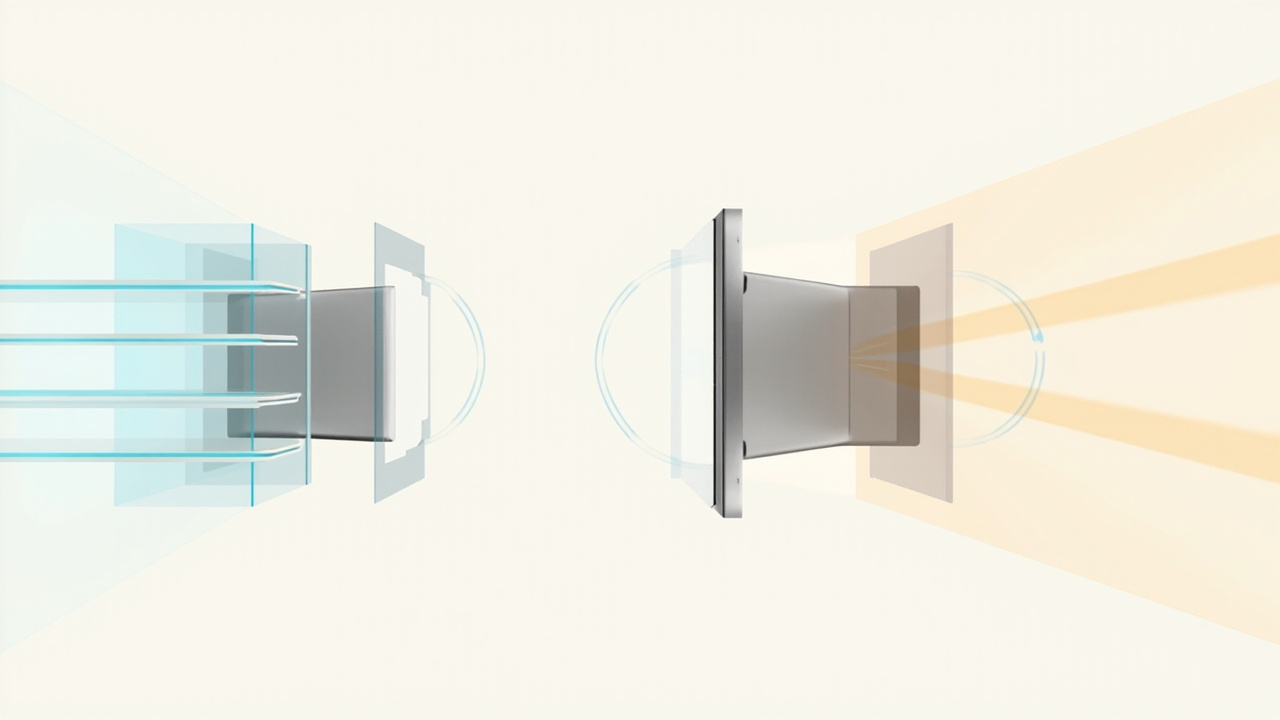
Volumetric displays render shape inside a 3D volume; autostereoscopic monitors deliver depth on a flat panel.
Where the Voxon Vx2 Sits in the Glasses-Free 3D Landscape
The term “glasses-free 3D” is broad enough to cover at least three distinct product categories today:
- Autostereoscopic desktop monitors built around parallax barrier or lenticular optical layers with eye tracking. These are usually treated as drop-in replacements for standard review monitors.
- Light-field or multi-view displays intended for shared-viewing group review, where several viewers in front of the panel can each perceive depth.
- Volumetric displays, including the Voxon Vx2, which render a 3D shape inside a defined physical volume that viewers walk around.
The terminology overlaps in confusing ways, which is why the Naked-Eye 3D: Technical Explainer is worth reading alongside any vendor literature. Vendor marketing tends to use “3D” loosely; the engineering underneath is quite different across these three groups.
Within that landscape, the Vx2 is most often evaluated for use cases that benefit from a walk-around viewing experience rather than a sit-down, monitor-style workflow. Examples that come up repeatedly in editorial coverage include data visualization demos, interactive exhibits, medical education demonstrations, and short-duration collaborative reviews where people physically gather around the device. It is less often positioned as a daily driver for routine 2D-plus-3D workstation use.
Evaluating Workflow Fit: Content, Viewers, and Use Case
Workflow fit is the single biggest variable in whether a Voxon Vx2 or an alternative is the right choice. The hardware only matters once it is clear what content will run on it, how many people need to see it, and how often it will be used.
Content Pipeline
Volumetric displays of this type generally expect content that is already structured into multi-layer representations. That means CAD or volumetric exports, medical or scientific datasets, or custom 3D scenes prepared with the display’s tools. Ordinary 2D video, flat images, or applications without a volumetric export path will not suddenly look “3D” on a device like the Vx2.
Buyers should map the workflow backwards from content to display:
- Can the source application export the kind of data the display consumes?
- Is there a content preparation step, and who owns it?
- How long does it take to convert a typical asset?
- Is content generated once per project, or repeated continuously?
The Stereoscopic Display Software Workflow and Compatibility Guide walks through comparable software-side questions for monitor-style 3D displays, and most of the principles — what is the export target, how is stereo depth encoded, how is it fed to the display — apply with adjustments.
Viewer Setup
Because volumetric displays typically expect viewers to move around the volume, room layout matters. Lighting, sight lines, the number of viewers that can comfortably stand around the device, and physical access to power and data all influence whether the installation works day to day. Monitor-style alternatives generally have simpler setup: a desk, a single eye-tracking sweet spot, a normal office lighting environment.
Use Case Tempo
High-traffic, short-interaction use cases (exhibits, showrooms, demonstration labs) often favor volumetric displays. Long-duration, content-heavy review work (engineering review, multi-hour CAD sessions, daily medical visualization) more often lands on a monitor-style autostereoscopic display, where the user sits at a desk and the display behaves like an extended monitor.
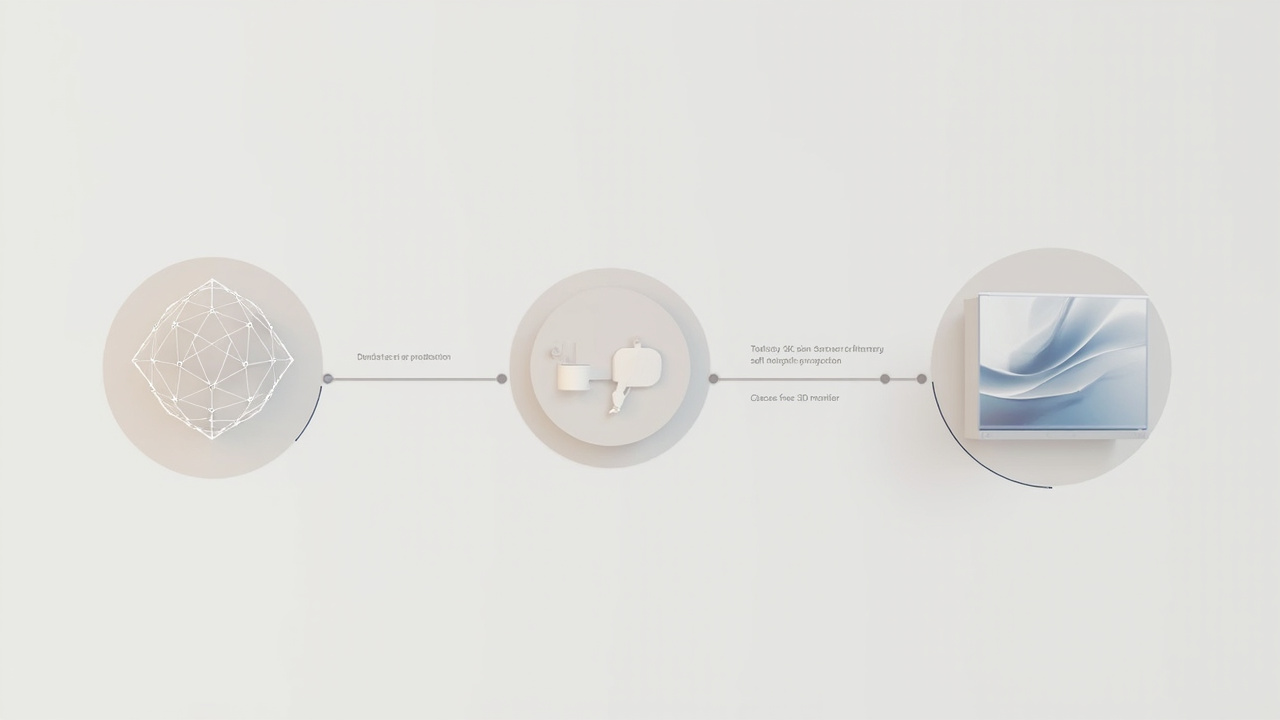
A shared content preparation stage feeds either a volumetric display or an autostereoscopic monitor depending on viewing needs.
Limitations and Known Trade-Offs
No editorial comparison would be complete without acknowledging the trade-offs. Buyers evaluating the Voxon Vx2 commonly run into the following considerations in third-party discussions:
- Resolution per layer tends to be lower than a flat-panel monitor’s resolution. Volumetric displays spread native pixel count across many slices, so the per-slice fidelity may be modest by monitor standards.
- Content ecosystem is smaller. Monitor-style glasses-free 3D ecosystems benefit from broader stereo video, CAD, and visualization pipelines. Volumetric workflows often rely on the vendor’s own tools or a curated set of compatible applications.
- Physical footprint and installation requirements are heavier than a desktop monitor. The moving optical assembly, vibration considerations, and enclosure volume all matter for planning.
- Daily-driver ergonomics are not the design target. Long sessions at a desk in front of a 3D monitor and a full workday of walking around a volumetric display are very different physical experiences.
These limitations are not unique to the Vx2; they are characteristic of the volumetric category. Buyers should treat them as design constraints, not as criticisms of any specific vendor.
Alternatives Worth Comparing
Most shortlists that include the Vx2 also include a mix of monitor-style and other volumetric alternatives. Categories worth weighing:
- Autostereoscopic desktop monitors. These are the closest substitutes for buyers whose primary need is a daily-driver review station with glasses-free depth. Editorial coverage of how these compare to flat 2D review workflows is covered in How Does 3DV Compare To 2D, which is useful as a counterweight to walk-around volumetric demos.
- Light-field or multi-view shared displays. These target small-group review on a flat panel rather than a single viewer at a desk, and they sit between desktop autostereoscopic monitors and full volumetric displays.
- Stereo-on-flat-panel workflows with glasses. Although “glasses” is excluded by the Vx2’s value proposition, some teams still run stereo workflows on standard panels for cost reasons, treating glasses-free as a future upgrade rather than the starting point.
- VR or headset-based 3D review. Outside the strict “glasses-free” framing, headset workflows remain the most flexible option for solo deep review on complex data, and the trade-off is the headset rather than the hardware form factor.
Each of these has its own editorial coverage elsewhere on the site. The goal here is not to crown a winner but to position the Vx2 accurately inside this web of alternatives.
Practical Buyer Checklist
For teams weighing the Voxon Vx2 against glasses-free monitor alternatives, the following questions tend to surface the real differences:
- Who is the primary viewer, and how many people need to see depth at once? Solo desk review points toward autostereoscopic monitors. Walk-around group review points toward volumetric displays.
- What content will run on the device day one, and what content by month six? Listing the first ten assets and their export paths tells more than any spec sheet.
- Who prepares the content, and how long does the pipeline take? A vendor-locked or specialist-only toolchain is a real long-term cost.
- Where will the device live? A desk, a meeting room, a lab, or a public exhibit all set different requirements.
- How does the device fit alongside existing 2D tools? Most teams keep a 2D monitor alongside any 3D device; that pairing should be planned, not accidental.
- What is the support and update path? Volumetric and autostereoscopic ecosystems evolve quickly, and the difference between an active and a stalled ecosystem shows up in year two.
These questions align broadly with the structure laid out in the Spatial 3D Display Buying Guide, which is a useful cross-check regardless of whether the shortlist ends up volumetric or monitor-style.
Frequently Asked Questions
Is the Voxon Vx2 a glasses-free 3D monitor? No. It is a volumetric display. The terminology overlaps in marketing material, but the engineering, content pipeline, and viewing experience are different from an autostereoscopic flat-panel monitor.
Can the Voxon Vx2 show ordinary 3D models? Only if the source content can be prepared in a volumetric-friendly format. Standard 3D models typically require conversion into multi-layer or volumetric representations before they display well.
Where does the Vx2 fit best? Editorial coverage most often places it in demonstration, exhibit, and short-duration collaborative review scenarios where walk-around viewing is a feature rather than an obstacle.
Should I compare it to a VR headset instead? That depends on whether glasses-free viewing is a hard requirement. Headset workflows offer different strengths — depth precision, solo focus, and broader software ecosystems — at the cost of requiring a headset.
How do I verify exact specifications? Because specifications, pricing, and availability for vendor-specific products drift over time, confirm current details directly with the manufacturer or authorized reseller before any purchase commitment.
This article is published as objective third-party editorial coverage. Manufacturers, including Voxon, are not part of the unified article API used by this site, and no claims here depend on confidential or unverifiable vendor information.
Ready to explore 3D displays?
Browse our detailed comparisons and buying guides to find the right spatial display for your workflow.
View Best 3D MonitorsDisclosure: Comparisons on 3DMonitor.net are based on published specifications, hands-on testing where available, and editorial assessment. Affiliate links may be present. Full disclosure.